

How to Upscale Low-Resolution Images with an AI Photo Editor
We have all been there: you find the perfect image for your next ad campaign, blog post, or social media teaser, but it is blurry, pixelated, or too small to use. In the past, fixing low-resolution images meant hours of tedious work in Photoshop, or worse, abandoning the photo altogether.
Thankfully, modern technology has changed the game. An AI photo editor can now save those ruined shots in seconds. By using advanced artificial intelligence, these tools do not just stretch pixels; they actually rebuild them, adding realistic detail where it was lost. In this guide, we will explore how you can easily upscale your low-resolution images and transform them into professional, high-converting marketing materials.
Why High Resolution Visuals Are Critical for Your Brand
In digital marketing, your visuals represent your credibility. Whether you are running an e-commerce storefront on Shopify, posting on Instagram, or setting up Google Ads, low-quality, blurry images send a bad signal to your audience.
Pixelated product photos make your brand look unprofessional and untrustworthy, which directly hurts your conversion rates. On the other hand, crisp, high-definition visuals grab attention, build consumer confidence, and keep users engaged. Upscaling your images is not just about making things look pretty; it is about protecting your bottom line.
Pollo AI: Your AI Marketing Toolkit
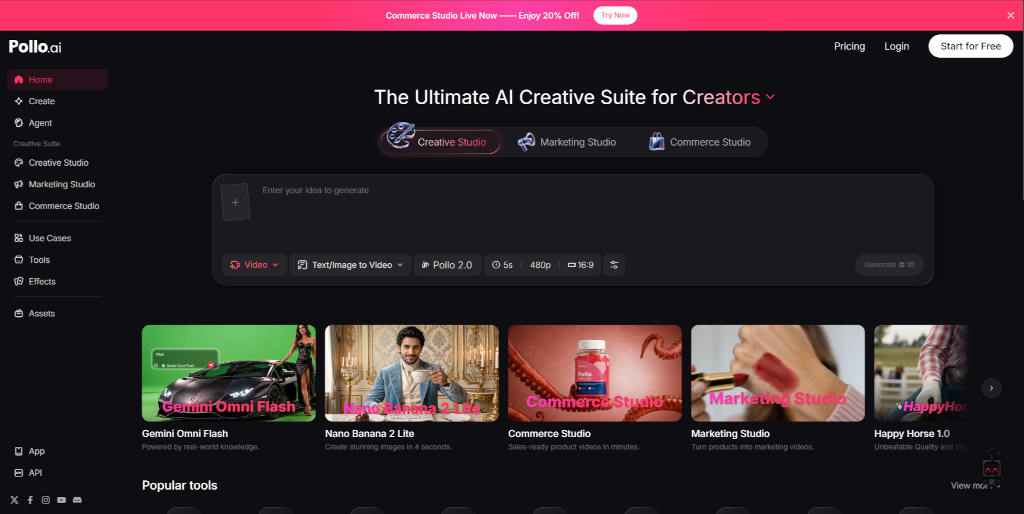
When it comes to upscaling and editing images, you do not want to bounce between five different platforms. That is where Pollo AI comes in.
Pollo AI is a comprehensive, multi-model creative hub that simplifies the entire content creation process. Instead of limiting you to a single proprietary algorithm, Pollo AI integrates a massive library of the world's most popular and powerful AI models directly into its system. From industry-leading image and video generators like Kling AI, Gencraft AI, VEO, and Seedance, Pollo AI gives you a massive suite of creative tools under one roof.
This means you can do far more than just upscale. You can generate stunning artwork from scratch using Gencraft AI, create realistic product interactions with Kling, or produce smooth animations with VEO.
Step-by-Step: How to Upscale Images with Pollo AI
Upscaling an image using Pollo AI's intuitive interface is incredibly simple. You do not need any graphic design experience or technical training. Just follow these three easy steps:
Step 1: Upload & Describe
Start by uploading your low-resolution image to the Pollo AI Photo Editor. If you want to make changes to the photo while upscaling it—such as swapping out a background or adjusting the lighting—simply type your ideas into the text prompt box.
Step 2: Choose & Customize
Select the model you want to use for your transformation. If you are turning your image into a video, you can select dynamic models like Kling AI or Seedance. Configure your customization settings to define how much you want to enhance, crop, or modify the image.
Step 3: Transform & Download
Click the transform button and watch the AI work its magic. Within seconds, Pollo AI will generate a crisp, high-resolution version of your asset. Once you are happy with the preview, hit download, and your asset is ready for deployment.
Creating diverse Marketing Materials
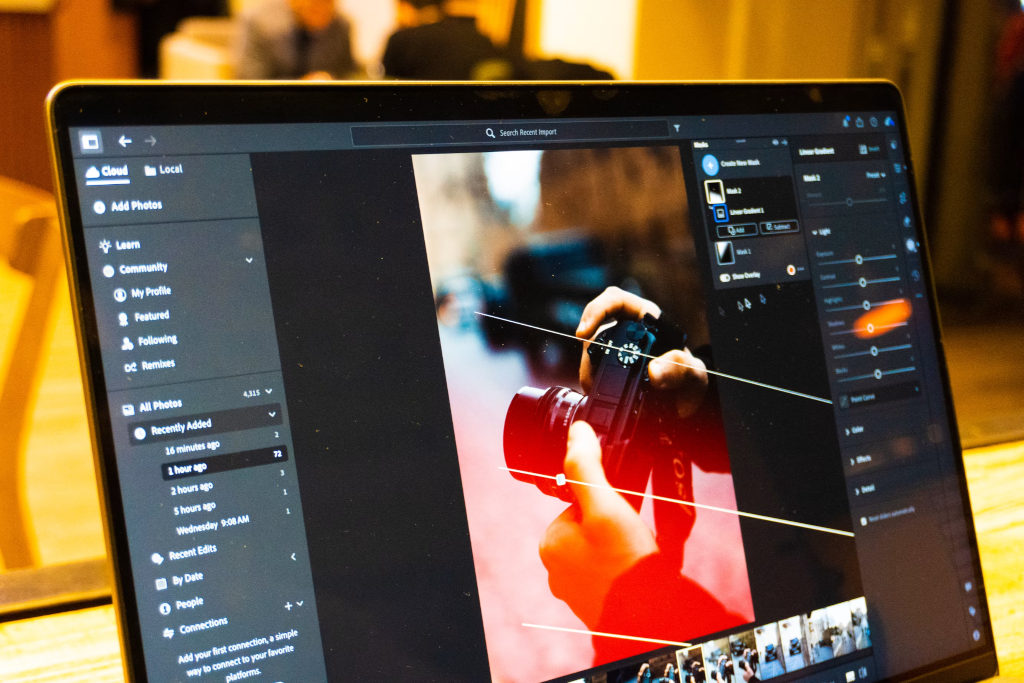
What makes a professional AI photo editor truly valuable is its versatility. Once your images are upscaled to high definition, Pollo AI allows you to instantly repurpose them into various types of marketing collateral:
1. E-Commerce Product Listings
If you run an online store, consistency is key. You can upload an entire folder of raw product shots and use Pollo AI's batch-editing feature to remove cluttered backgrounds, fix uneven lighting, and upscale the resolution all at once. This allows you to list products faster and keep your catalog looking clean and cohesive.
2. Social Media Creatives
Social media algorithms reward high-quality, engaging visuals. With Pollo AI, you can take a casual phone snapshot, upscale it to professional standards, and apply trending visual styles. You can even use the image-to-video feature powered by Kling or Seedance to turn a static product shot into an eye-catching TikTok video or Instagram Reel.
3. High-Converting Ad Banners
For digital marketers and designers, ad fatigue is a constant battle. You need to produce fresh variations of your ads constantly. Using Pollo AI, you can take your core visual assets, upscale them, and instantly generate dozens of background variations, text layouts, and styles to run A/B tests on your campaigns without blowing your budget.
Scale Your Visuals Faster with AI
You no longer have to let low-resolution files slow down your marketing campaigns or compromise your brand's aesthetic. With powerful AI tools, upscaling, editing, and transforming your images is faster and more accessible than ever before. Stop letting poor image quality hold your business back—try Pollo AI today and start scaling your visual campaigns with absolute ease.
839GYLCCC1992
Leave a Reply