

Best Photo to Cartoon Options to Use in 2026
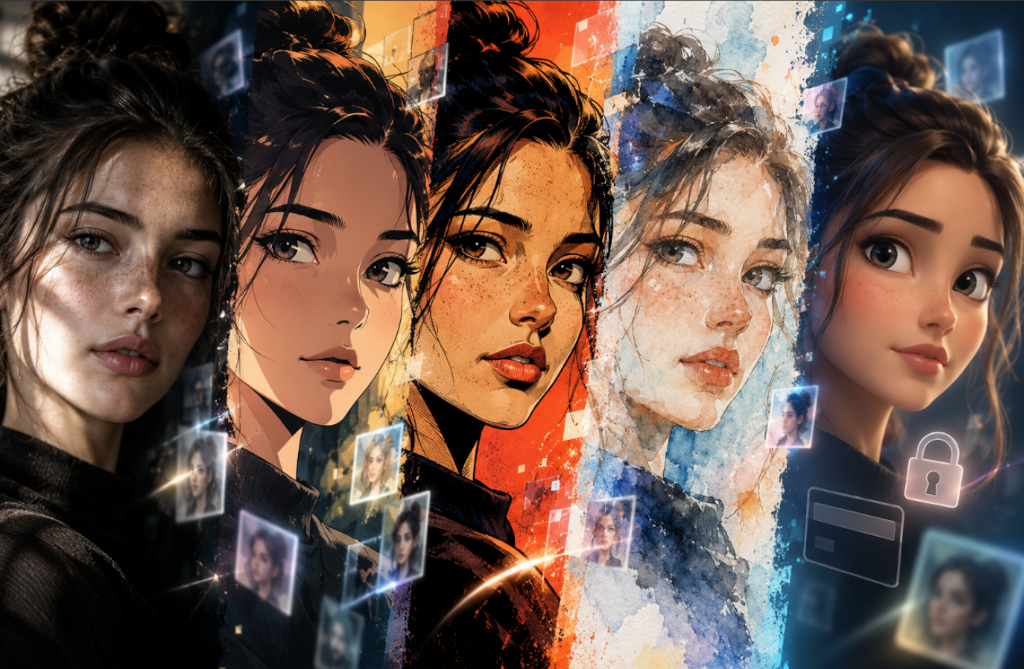
Turning a photo to cartoon is now quick with AI tools that can preserve facial features while changing the overall visual style. You can create anime, comic, watercolor, or 3D effects for avatars, thumbnails, stickers, and social posts. Most tools keep the process simple, though export limits can vary. Some add watermarks, restrict downloads, or require a paid plan or trial before saving the final image.
Part 1. Choosing the Right Photo to Cartoon AI Tool
What matters most is not simply whether a tool can create a cartoon, but what kind of result it gives you and what you can do with that result afterward. Before choosing a photo to cartoon tool, compare these areas first:
- Available Styles: Look at the styles before choosing a tool. Some give you only a handful of choices, while others cover anime, comics, watercolor, 3D, and more. The same photo can look much better in one style than another.
- Editing Options: Check whether the tool lets you make changes after the first result. Background controls, style changes, and small corrections are useful if the first version is not right.
- Download Quality: Look at the file you can actually save for free. Some tools lower the resolution or add a watermark, which can limit where the image can be used.
- Ease of Use: Think about where you prefer to work. An online tool is convenient on a computer because there is nothing to install, while a mobile app can be easier when you want to edit photos directly from your phone.
Part 2. Photo to Cartoon Online Free Options to Try
With those 4 factors in mind, the next step is choosing the right tool. The 5 photo to cartoon free options below cover different needs, whether you want a quick avatar, a specific cartoon style, or a character you can animate:
1. MagicLight AI
Best For: Bringing cartoon characters to life through short animated video content.
MagicLight AI lets you upload a photo as a reference and describe how you want it restyled. Its image workspace supports JPG, JPEG, PNG, and WEBP files up to 20MB, with 5 AI image models to generate the new look.
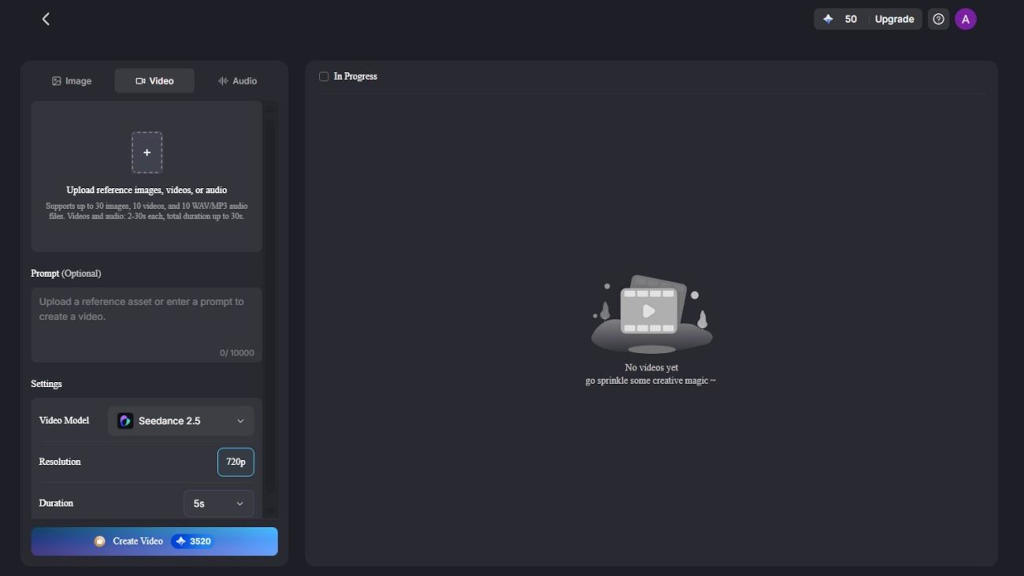
For creators who want more than a photo to cartoon image, MagicLight AI also provides a separate Video workspace. After creating the cartoon image, you can use it as the visual basis for video generation, extending a still character into animated content.
Key Features
- Access 14 AI models, including Seedance 2.5 and Nano Banana 2, for varied results.
- Browse 52 visual styles for cartoons, illustrations, and different character looks.
- Make AI characters with prompts of up to 1,000 characters.
- Animate still images with image-to-video prompts of up to 1,500 characters.
2. Media.io
Best For: Creating a simple cartoon from a photo without installing software.
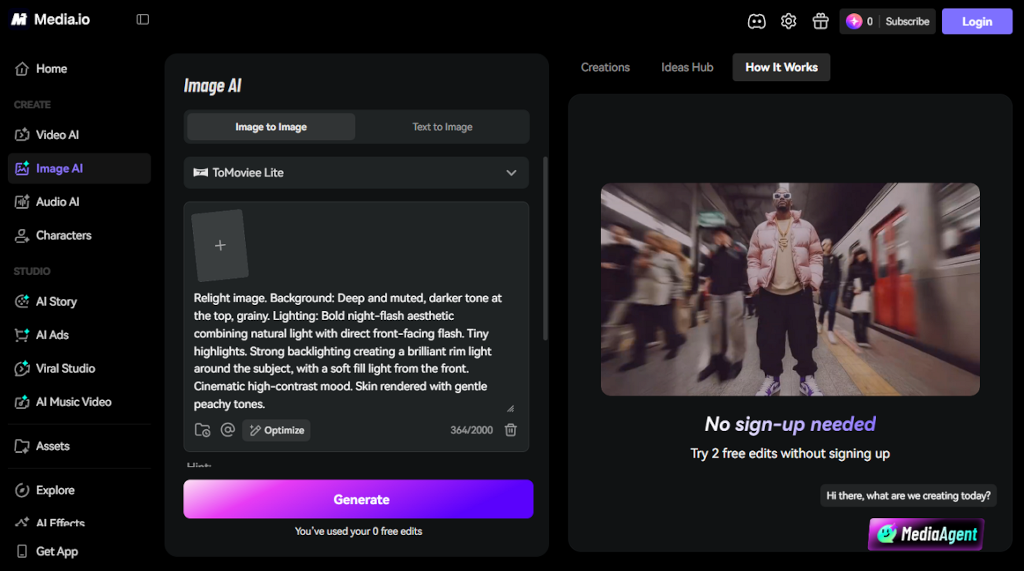
Media.io provides an online AI cartoonizer that converts photos into cartoon-style images directly in a browser. It works with portraits and other image types, while offering different cartoon effects. Free use may have limits, so availability and download conditions should be checked before starting.
Key Features
- Try different cartoon effects to give the same photo a new look.
- Use portraits, pet photos, objects, or outdoor scenes as the source image.
- Make further changes with the editing tools after the cartoon is created.
3. Fotor
Best For: Comparing different cartoon styles before choosing a final look.
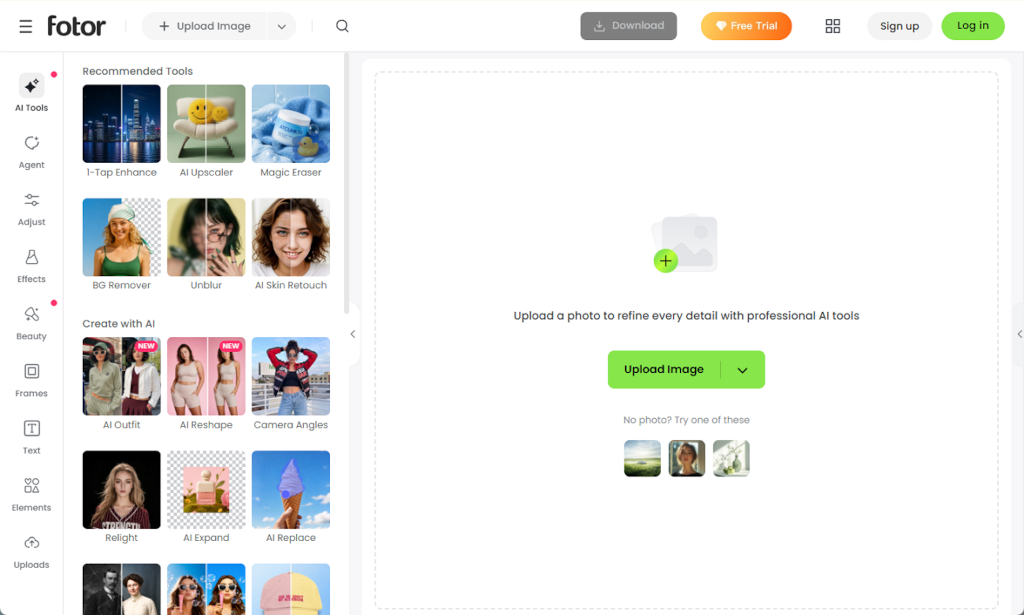
With more than 54 effects available, Fotor's photo to cartoon AI gives you plenty of ways to restyle the same image. You can try anime, sketch, and portrait-based looks, then compare the results to see which one fits the photo best.
Key Features
- Automatically identifies key image details before applying the selected cartoon effect.
- Works with portraits, pet photos, landscapes, and several other photo types.
- Lets you make further edits and finish the image without leaving the platform.
4. Canva
Best For: Turning cartoon photos into polished social media designs and posts.
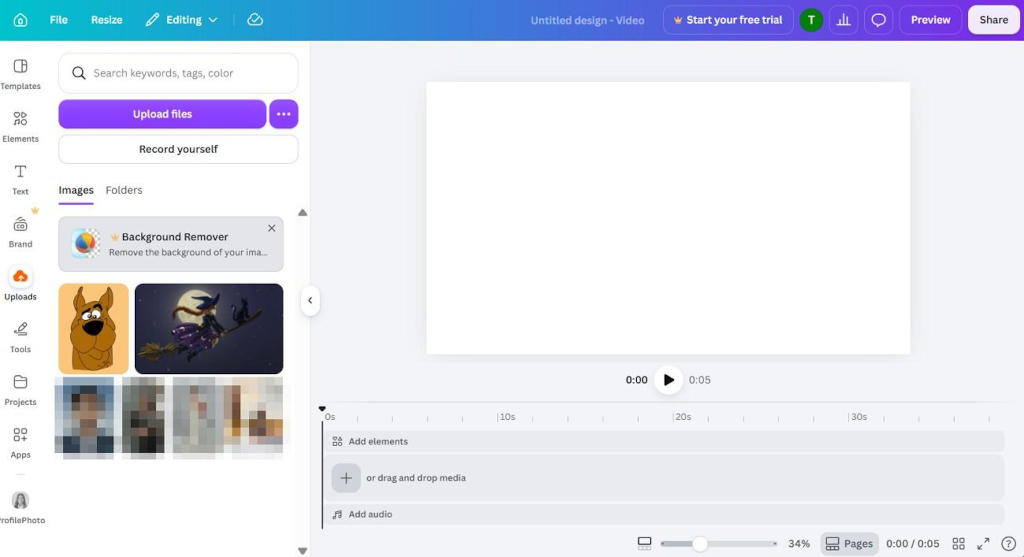
When the cartoon is only one part of a larger design, Canva keeps the process in one workspace. Its photo-to-cartoon options can transform an uploaded image, which you can then place directly into posts, presentations, thumbnails, or other designs.
Key Features
- Places cartoonized images directly into thousands of ready-made templates and customizable layouts.
- Provides built-in tools for adding text, backgrounds, graphics, frames, and other design elements.
- Supports common social media formats, making it easier to resize one design for different platforms.
5. Picsart
Best For: Preparing cartoon photos for social media and profile images.
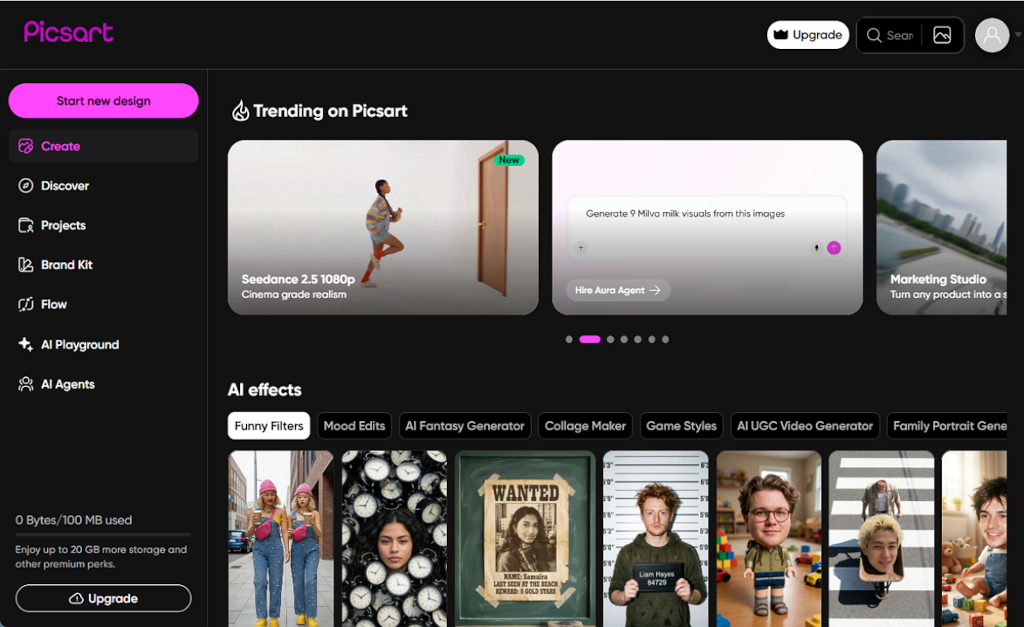
For anyone who wants to know how to make a photo into a cartoon, Picsart keeps the process in one place. You can try anime, sketch, and other styles, then make a few edits before using the image for a profile picture, social post, or graphic.
Key Features
- Converts portraits, group photos, pets, and other subjects into different cartoon-style images.
- Provides cropping, background removal, retouching, and other tools for refining the finished image.
- Includes separate AI tools for creating and editing video alongside its photo features.
Part 3. How to Get Better Results From AI Cartoon Generators
A poor source photo usually leads to a poor cartoon. Before you convert a photo to a cartoon, check the image itself and make a few simple choices that can improve the result:
- Start With a Clear Photo: Use an image that is sharp and bright enough to show the subject properly.
- Keep the Main Features Visible: Try to avoid heavy shadows, sunglasses, or awkward angles that cover important facial details.
- Try Different Styles: Comic, watercolor, anime, and 3D styles can all produce very different results from the same photo.
- Check the Finished Image: Look closely at the hair, eyes, hands, and edges before saving the final version.
Conclusion
The right photo-to-cartoon tool depends on the final use. Media.io suits simple conversions, Fotor provides many styles, Canva supports designed content, and Picsart works well for social images. Check download limits, watermarks, and usage terms before choosing. If you want to take a cartoon beyond a still image, MagicLight AI is a practical option for turning it into animated video content.
FAQs about Photo to Cartoon
1. Can I turn a photo into a cartoon online for free?
Yes. Several tools let you try photo to cartoon online for free, although free access may come with limits on downloads, image quality, or available features. Always check the current plan before creating your image.
2. What is the best photo to cartoon generator?
The right choice depends on what you want to create. Fotor offers more than 54 cartoon styles, while Canva is useful when the cartoon needs to become part of a larger design.
3. What app can change a photo to cartoon?
Picsart and Fotor both provide mobile options for turning photos into cartoons. Picsart includes cartoon and sketch effects within its mobile editor, so you can create and adjust the image in the same app.
4. Can MagicLight AI animate a cartoon character?
Yes. MagicLight AI can start with a photo or cartoon character and turn it into a video. Its image-to-video tool also lets you describe the movement you want, making it useful when the finished cartoon needs to move rather than remain still.
839GYLCCC1992
Leave a Reply