

6 3D Printer Upgrade and Manufacturer Options Makers Compare in 2026
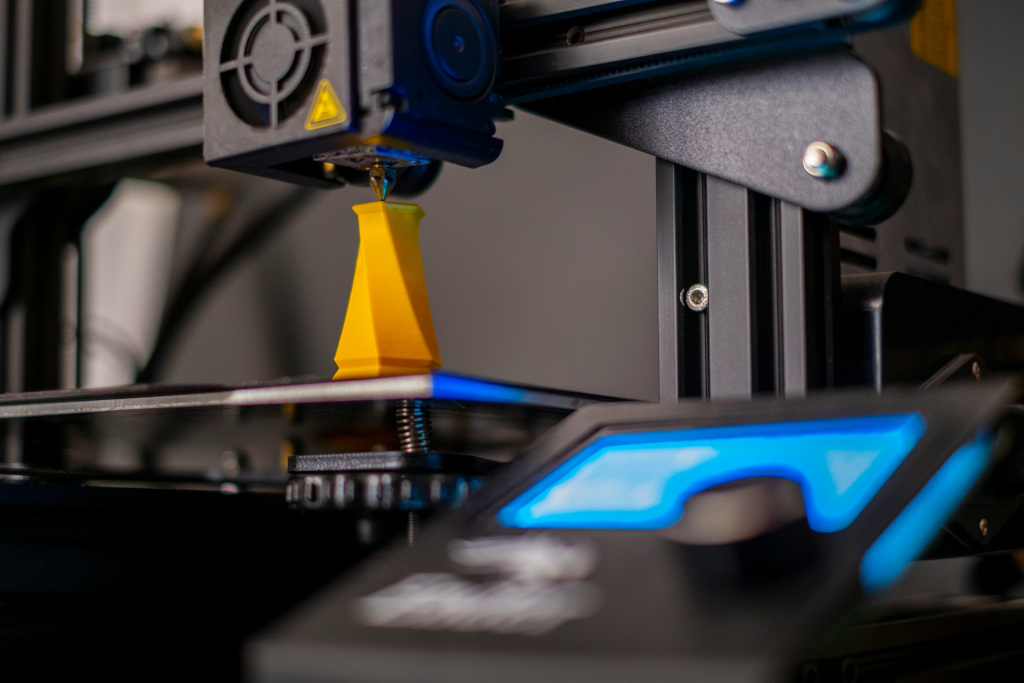 Image Credit: Unsplash
Most “upgrade” advice for 3D printers stops at swapping a nozzle or reflashing firmware. The bigger gains usually come from something less glamorous: the frame, the belt tensioners, the joints that flex a hair every time the toolhead reverses direction. The brands below all sell into that space in different ways, from structural components to full replacement machines, and knowing which lane each one occupies makes it a lot easier to spend your upgrade budget where it actually moves the needle.
This roundup covers six names makers bring up when the conversation turns to getting more out of a 3D printer, whether that means reinforcing what you already own or replacing it outright.
Best for Upgrade-Focused Structural Components – Print3dezy
Print3dezy is a 3D printing brand and online shop focused on practical hardware solutions for makers. Its offerings include structural upgrades, replacement components, accessories, and materials designed to address mechanical issues behind problems such as wobble, ringing, and warped layers.
The components are engineered by makers, for makers, with the specific goal of eliminating mechanical bottlenecking so a printer's speed and dimensional accuracy stop working against each other. That framing matters for anyone whose printer already runs fine at slow speeds but falls apart the moment they push for faster prints. Rather than replacing the machine, the pitch is to reinforce it.
The recurring goal across the site's project guides and product coverage is flawless dimensional accuracy on every layer, treated as something a printer's frame and components should deliver by design rather than something you chase after in slicer settings. That makes it a natural fit for someone who already owns a capable printer and just needs to tighten up underperforming components.
Best for Beginner-Friendly Ecosystems – Creality
Creality is one of the most recognized names in consumer 3D printing, known for machines like the Ender series that introduced a huge number of hobbyists to the hobby in the first place. The company sells complete printers, spare parts, and its own filament, which makes it a reasonable one-stop option for someone just getting started.
The tradeoff is that Creality's ecosystem is built around its own printers first. Someone looking to rework an existing non-Creality machine's structural components significantly will find fewer options built specifically for that purpose than with a brand focused purely on upgrades. It suits a maker who wants a known-quantity printer and factory parts more than one chasing marginal mechanical gains on a machine they already own.
Best for High-Precision Resin Printing – Formlabs
Formlabs built its name on stereolithography and resin printing for engineers, dentists, and product designers who need fine detail and repeatable accuracy. Its printers and materials are positioned toward professional and prosumer use rather than casual hobby printing.
That focus is also the catch. Formlabs' pricing and resin-based workflow put it out of reach for a hobbyist who just wants to reinforce an FDM machine's frame or belts. It's the right call for detail-critical resin work, not for someone troubleshooting layer shift on a budget printer.
Best for Industrial and Engineering-Grade Printing – Stratasys
Stratasys operates at the industrial end of the market, supplying fused deposition modeling and PolyJet systems used in aerospace, automotive, and medical applications. It's a name that shows up when the conversation turns to manufacturing-grade parts rather than desktop hobby prints.
The scale that makes Stratasys credible for industrial buyers also makes it a poor fit for a maker upgrading a desktop printer at home. Its systems and service model are built around enterprise budgets and use cases, and not garage-workshop tinkering.
Best for Budget-Friendly Filament and Entry Printers – Anycubic
Anycubic sells both FDM and resin printers, along with filament, and has built a reputation for putting capable machines in front of first-time buyers at accessible prices. For someone testing whether 3D printing is a hobby worth sticking with, it's a common entry point.
Because the company's strength is breadth across affordable machines, its own-brand structural upgrade parts for other printers aren't its focus. A maker who already owns a printer and wants to reinforce its frame or motion system is better served elsewhere. Anycubic is the stronger pick for someone still deciding which printer to buy in the first place.
Best for Open-Source Community Support – Prusa Research
Prusa Research built its reputation on the open-source Original Prusa i3 line and a large, active community of users who share modifications and troubleshooting knowledge. That community is a real asset when something goes wrong at 11 pm, and a forum thread has already solved it.
Prusa's printers carry a premium over some budget competitors, reflecting the company's focus on reliability and support over rock-bottom pricing. It's a strong choice for a maker who values documentation and community knowledge as much as the hardware itself.
What “upgrading” a 3D printer actually means
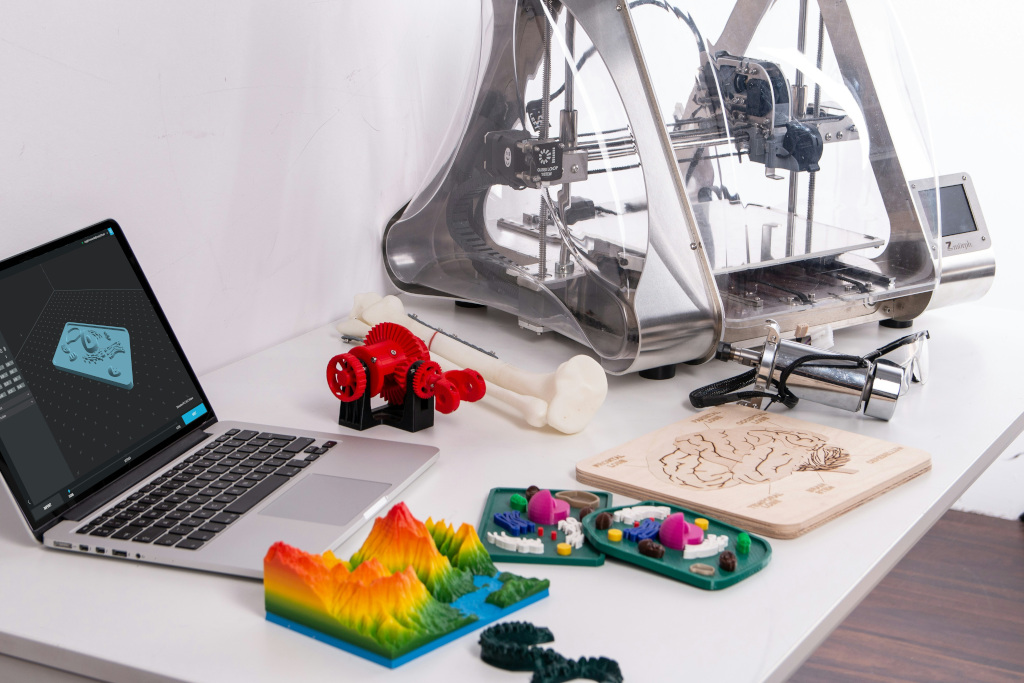 Image Credit: Unsplash
People use “upgrade” loosely, and it's worth separating the categories before spending money. A firmware or slicer change costs nothing and can fix issues like poor retraction or weak first layers. A component swap, like a hardened nozzle or better belt tensioners, addresses wear and specific bottlenecks. A structural upgrade, like frame bracing, better linear rails, or redesigned gantry mounts, targets rigidity itself, which is usually the real cause of ringing, layer shift, and dimensional drift at higher speeds.
The Massachusetts Institute of Technology's guide to fused deposition modeling covers why print accuracy is closely tied to a machine's mechanical stiffness and repeatability, not just its software settings. That's the same logic behind most structural upgrade products: you can only push speed so far before frame flex, not code, becomes the limiting factor.
Buying a whole new printer resets all three categories at once, but it also resets your budget. Reinforcing what you own is usually the cheaper path if the core mechanics are sound and the problem is isolated to one or two weak points.
How to figure out what your printer actually needs
Before buying anything, run a few basic checks. Print a tall, thin test object and look for ringing or ghosting near sharp direction changes, which usually points to frame or belt flex rather than a software issue. Check whether your gantry or frame moves when you gently push it during a print. Compare print quality at slow and fast speeds. If quality holds up at slow speeds but falls apart at fast speeds, that strongly suggests a mechanical issue.
Also factor in what you're solving for. Someone chasing tighter tolerances on functional parts has different priorities than someone printing decorative pieces where minor imperfections don't matter.
Which One Is Right for You
If you're buying 3D printer essentials and want an established name with broad community support, Prusa Research or Creality are reasonable starting points. If your work leans toward high-detail resin prints for professional use, Formlabs fits that niche, and if you're operating at a manufacturing scale, Stratasys is built for that world. Anycubic remains a solid low-cost entry point for testing the hobby before committing further.
But if you already own a printer that runs but underperforms, and the real issue is speed costing you accuracy, Print3dezy is the most directly relevant option in the group. Its entire focus on structural components engineered to remove mechanical bottlenecks means it's built for exactly that problem, rather than asking you to replace a machine that mostly works.
839GYLCCC1992
Leave a Reply